
MacBook Pro M3 Max Review: Workstation in a Laptop
The M3 Max-equipped MacBook Pro is a portable workstation that handles 8K editing without breaking a sweat.

Pros
- Insane performance for the size
- Best laptop display on the market
- Outstanding battery life
- Whisper-quiet under load
Cons
- Eye-watering price
- Limited port selection
- Heavy at 4.8 lbs
Specifications
| Display | 16.2" Liquid Retina XDR mini-LED, 120Hz ProMotion |
|---|---|
| Processor | Apple M3 Max (16-core CPU) |
| RAM | 64 GB unified memory |
| Storage | 2 TB SSD |
| Battery | Up to 22 hours video playback |
| Ports | 3x Thunderbolt 4, HDMI, SDXC, MagSafe 3 |
| Weight | 2.16 kg (4.8 lbs) |
Gallery


Full Review
Workstation-Class Performance
The M3 Max chip is the most powerful Apple silicon yet, with 40-core GPU options and unified memory configurations up to 128GB. In our 8K ProRes editing tests in Final Cut Pro, the M3 Max kept up effortlessly with multiple streams of footage.
Display
The mini-LED Liquid Retina XDR display is still the best laptop display you can buy. 1000 nits sustained, 1600 nits peak HDR, and ProMotion 120Hz all combine for a stunning visual experience.
Who Is It For?
Video editors, 3D artists, software developers, and machine learning practitioners will see massive benefits. For everyone else, the M3 Pro or M2 MacBook Air offers far better value.
Related reviews
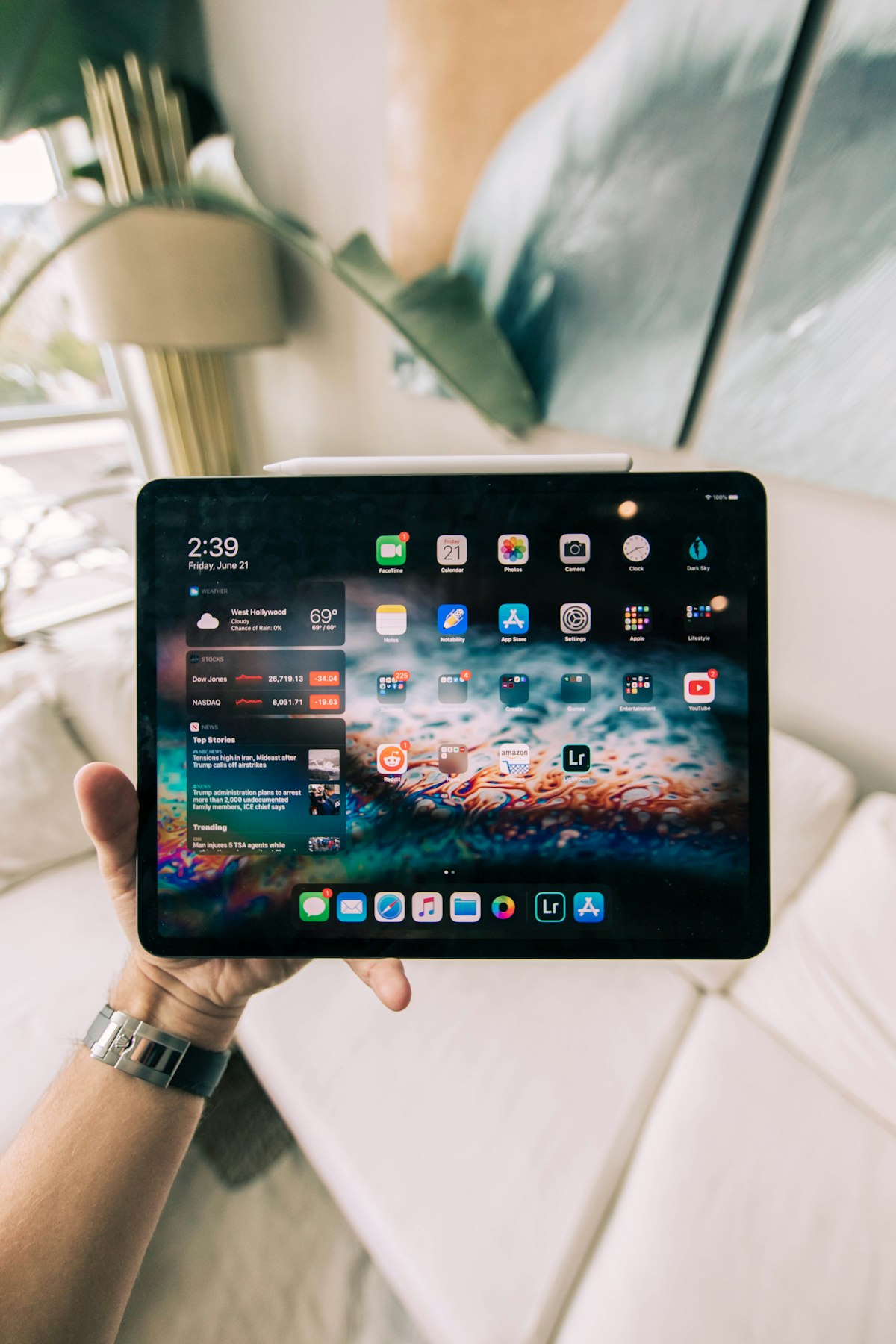
iPad Pro M4 Review: A Tablet From the Future
The first M4 device is the thinnest, brightest, fastest iPad Pro yet — with an OLED display that's borderline magical.